Make the roster
the easy part.
Rosters built legal from the first draft. A live board for the day. An app for every crew member.
Built for every desk in the operation.
One plan, shared by the people who build it, fly it and run the day.
Crew scheduling
A legal month for every crew member, checked as it is built.
See the board
Itinerary
Routes, times and tails for the day, re-checked against every rotation.
See the board
Operations control
One live board and one queue for delays and post-flight reports.
See the board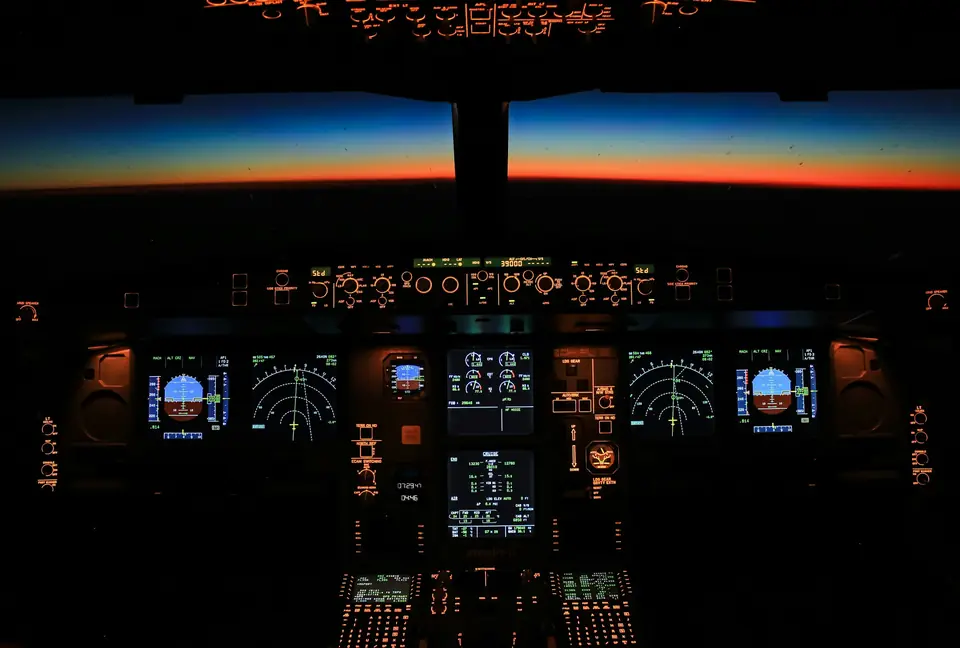
Crew
Their month, report times, swaps and duty sign-in, on their own phone.
See the appFrom the month to the minute.
Scheduling builds the month, itinerary shapes the day, operations control runs it. All three work from the same data.
| CrewHrs | Wed1 | Thu2 | Fri3 | Sat4 | Sun5 | Mon6 | Tue7 | Wed8 |
|---|---|---|---|---|---|---|---|---|
| Captains | ||||||||
RM447113:30 | 101·102·103101 +206:15–11:25 | 101·102·103101 +206:15–11:25 | 104·105104 +113:30–18:10 | WOFF | WOFF | 104·105104 +113:30–18:10 | 101·102·103101 +206:15–11:25 | 101·102·103101 +206:15–11:25 |
JL390211:20 | SBY AM05:00–13:00 | 201·202201 +107:00–11:00 | 201·202201 +107:00–11:00 | 203·204203 +114:40–17:50 | FREE | FREE | 201·202201 +107:00–11:00 | 203·204203 +114:40–17:50 |
| First officers | ||||||||
AT551814:40 | 101·102·103101 +206:15–11:25 | 101·102·103101 +206:15–11:25 | 101·102·103101 +206:15–11:25 | WOFF | WOFF | 104·105104 +113:30–18:10 | 101·102·103101 +206:15–11:25 | SBY AM05:00–13:00 |
DC604711:20 | SIM1 day | 201·202201 +107:00–11:00 | 201·202201 +107:00–11:00 | 203·204203 +114:40–17:50 | FREE | DH 20314:40–16:10 | 201·202201 +107:00–11:00 | 203·204203 +114:40–17:50 |
| Flight attendants | ||||||||
MV226011:40 | 301·302301 +109:00–11:30 | 104·105104 +113:30–18:10 | FREE | 101·102·103101 +206:15–11:25 | 101·102·103101 +206:15–11:25 | SBY PM12:00–20:00 | 301·302301 +109:00–11:30 | FREE |
SP71349:10 | FREE | 201·202201 +107:00–11:00 | 201·202201 +107:00–11:00 | WOFF | WOFF | 101·102·103101 +206:15–11:25 | 104·105104 +113:30–18:10 | 301·302301 +109:00–11:30 |
LG88157:40 | 104·105104 +113:30–18:10 | 301·302301 +109:00–11:30 | 301·302301 +109:00–11:30 | 203·204203 +114:40–17:50 | SBY AM05:00–13:00 | FREE | SBY PM12:00–20:00 | 201·202201 +107:00–11:00 |
A month of legality, at a glance.
The assigner fills the month for you: legs paired into duties, crew positioned where they are needed, standby kept in reserve.
- Fill or rebuild top up the open seats, or start the month again
- Standby called up only when a seat would otherwise stay empty
- Positioning crew who end the day away ride home as passengers
- Fairness block hours and nights away spread across the roster
| Flight | Dep | Arr | Block | Aircraft | Status |
|---|---|---|---|---|---|
| 101 | 06:15 | 07:15 | 1:00 | Aircraft 1 787 | Assigned |
| 201 INTL | 07:00 | 08:30 | 1:30 | Aircraft 2 777 | Assigned |
| 102 | 08:15 | 09:20 | 1:05 | Aircraft 1 787 | Assigned |
| 301 | 09:00 | 09:50 | 0:50 | Aircraft 3 737 | Assigned |
| 202 INTL | 09:30 | 11:00 | 1:30 | Aircraft 2 777 | Assigned |
| 302 | 10:40 | 11:30 | 0:50 | Aircraft 3 737 | Assigned |
| 203 | 11:20 | 12:50 | 1:30 | Aircraft 2 777 | Turnaround 20m |
| 304 | 17:10 | 18:00 | 0:50 | Not assigned | No aircraft |
Then the day, tail by tail.
Routes, times and aircraft are edited as one day. Every change is re-checked against the rotation, and what doesn't hold up says so.
- Turnarounds against your own minimum
- Aircraft fleet type and international legs
- Templates a month built from the weekly pattern
- Hand-off sent to scheduling when it holds
- Overdue 104 Post-flight report not started · landed 14:30 2h 05m Log report
- Delay 203 Delay unresolved · 40 min 3h 35m Update delay
- Incomplete 202 9 fields remaining · 24 of 33 5h 20m Continue
- Incomplete 302 4 fields remaining · 29 of 33 4h 45m Continue
- Ready 303 Flight landed · ready for report 15m Log report
And when it breaks, one queue.
Delays, unstarted post-flight reports and half-finished ones collect in one list, by priority and then by age. Nothing gets chased from memory.
- Timeline tail by tail, scheduled against actual
- Delays IATA-coded, with knock-on retiming
- Post-flight fuel, block, load, invoices
- Export operations workbooks that reconcile

It will not build an illegal roster.
The assigner applies these rules as it fills the month, and every change after that is checked again. A lapsed licence, medical or recurrent check is flagged before the flight.
- Duty periods
- Banded by report time and the number of sectors flown.
- Rest
- The minimum overnight rest, before and after every duty.
- Limits
- Consecutive days, legs per day and block hours in the month.
- Qualifications
- Fleet type, international airport clearance and a purser on every flight.
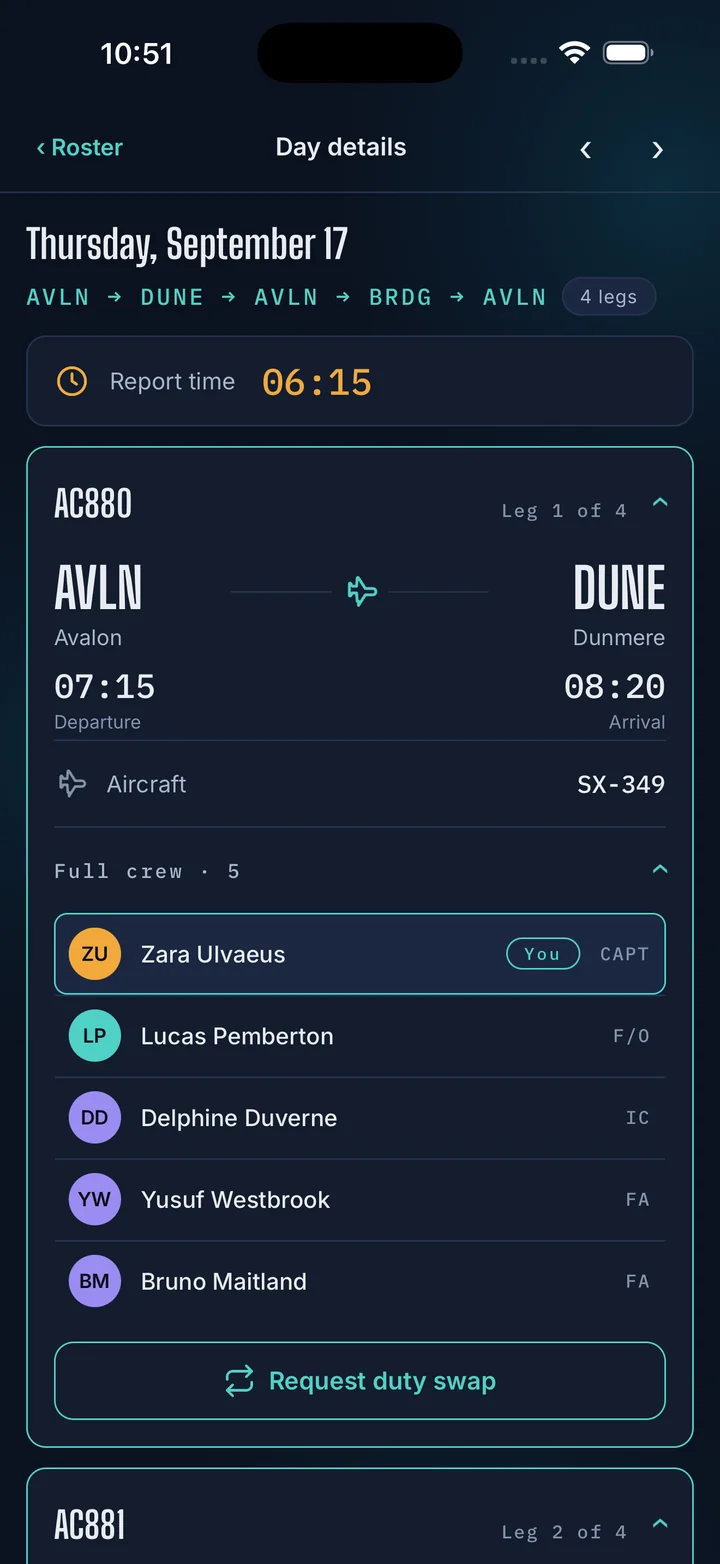
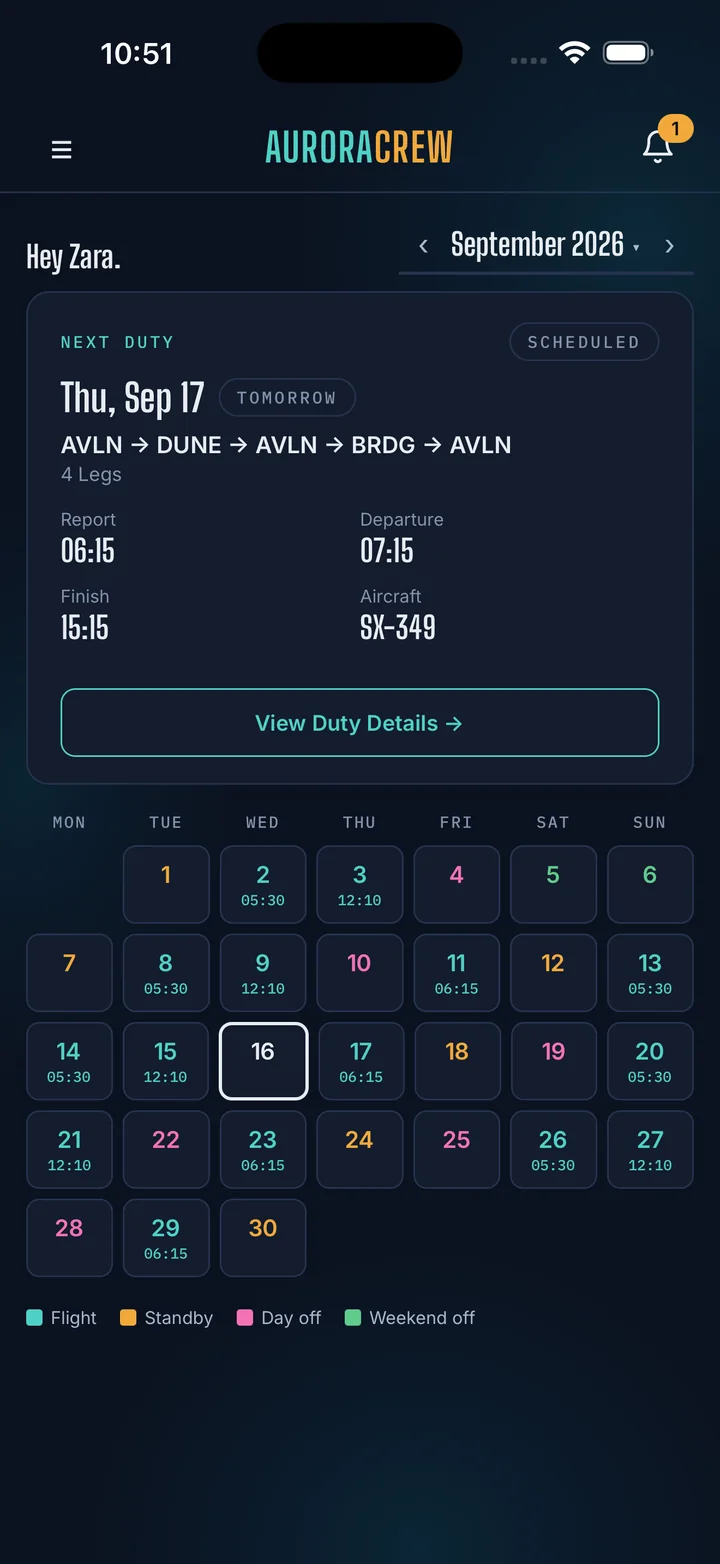
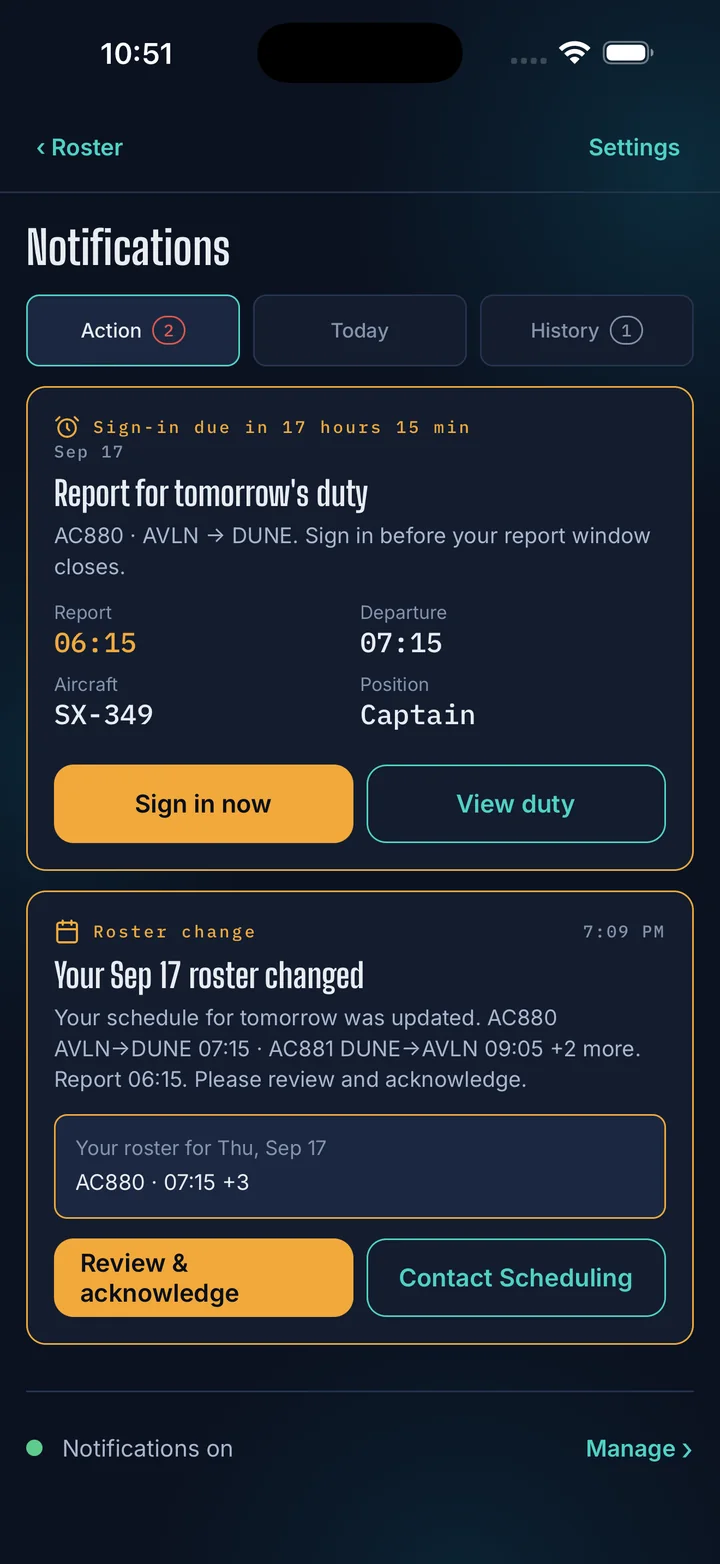
Your crew carries the roster.
Their month with every report time, swaps with a named colleague and duty sign-in, in Spanish or English. A morning of roster edits arrives as one summary, not nine.

What your IT team will ask.
The short answers. For the full security model, write to us.
- Sign-in
- Two-step verification for any account. Operations desks are approved device by device.
- Roles
- Each desk can change only the data it owns. The server enforces it, not the screen.
- Flown flights
- Locked against schedule edits once flown. Every change to one is logged with who made it.
- Backups
- Daily, kept 35 days. Monthly, kept a year. Recovery to any second of the last 35 days.
- Separation
- Each airline in its own database. Crew never receive a colleague's licence or passport numbers.
- Hosting
- Amazon Web Services, encrypted in transit and at rest.

See it with your own routes.
Tell us about your airline and we set up a walkthrough with your own network, fleet and crew rules.
Write to us
sales@auroracrew.appSay which airline you are with, your fleet and your bases, and what you would like to see. A person reads every message.
Or write to us on WhatsApp: +58 422 010 9110