Crew app
Every crew member’s month on their own phone: report times, duty sign-in, swaps and requests, and every roster change as one notice to acknowledge.

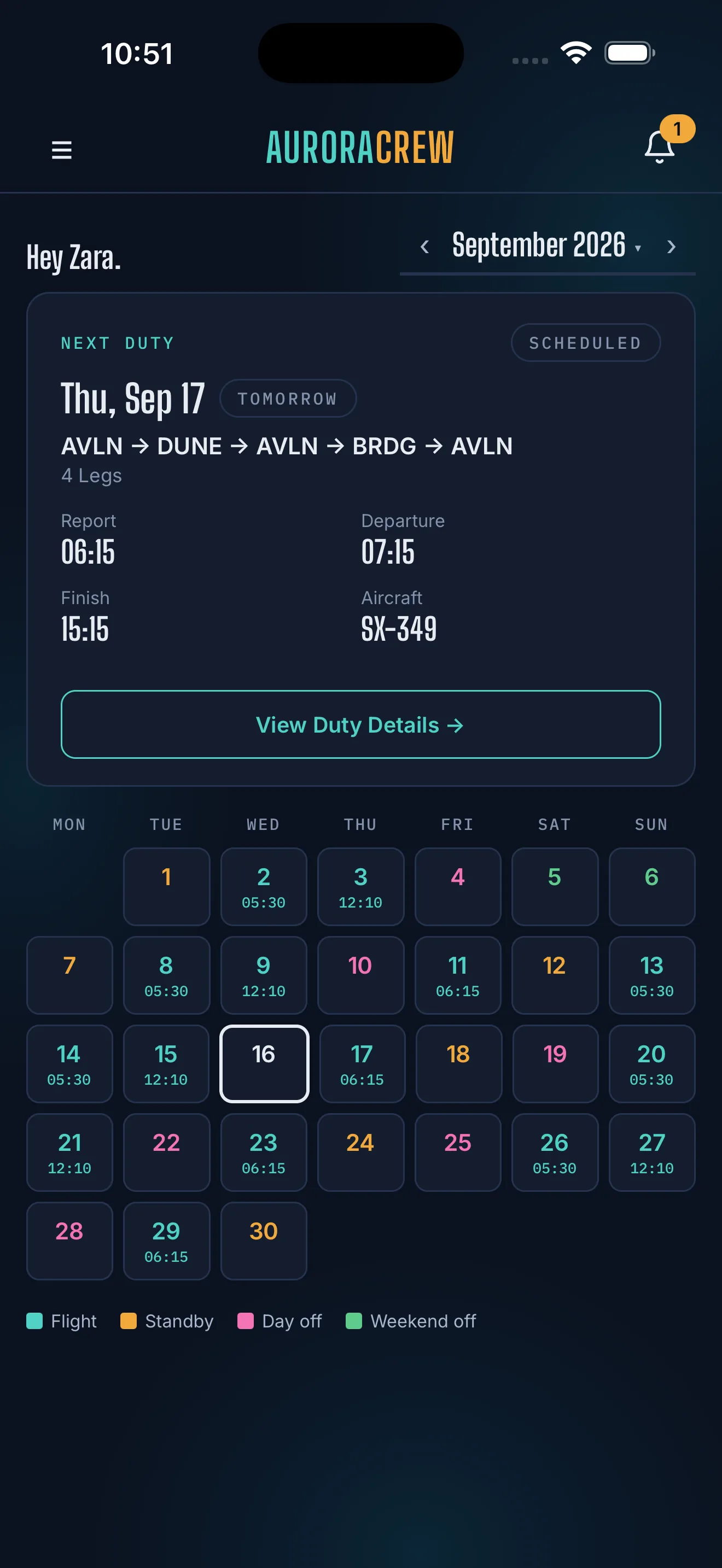 Their month: the next duty first, then every day’s report time.Full size
Every duty in full.
A day opens to everything about it: the report time, each leg with its times and aircraft, and the full crew they fly with. From there a crew member can ask a named colleague to swap the duty.
- The report time first, then leg by leg
- The full crew on every flight
- A duty swap requested from the day itself
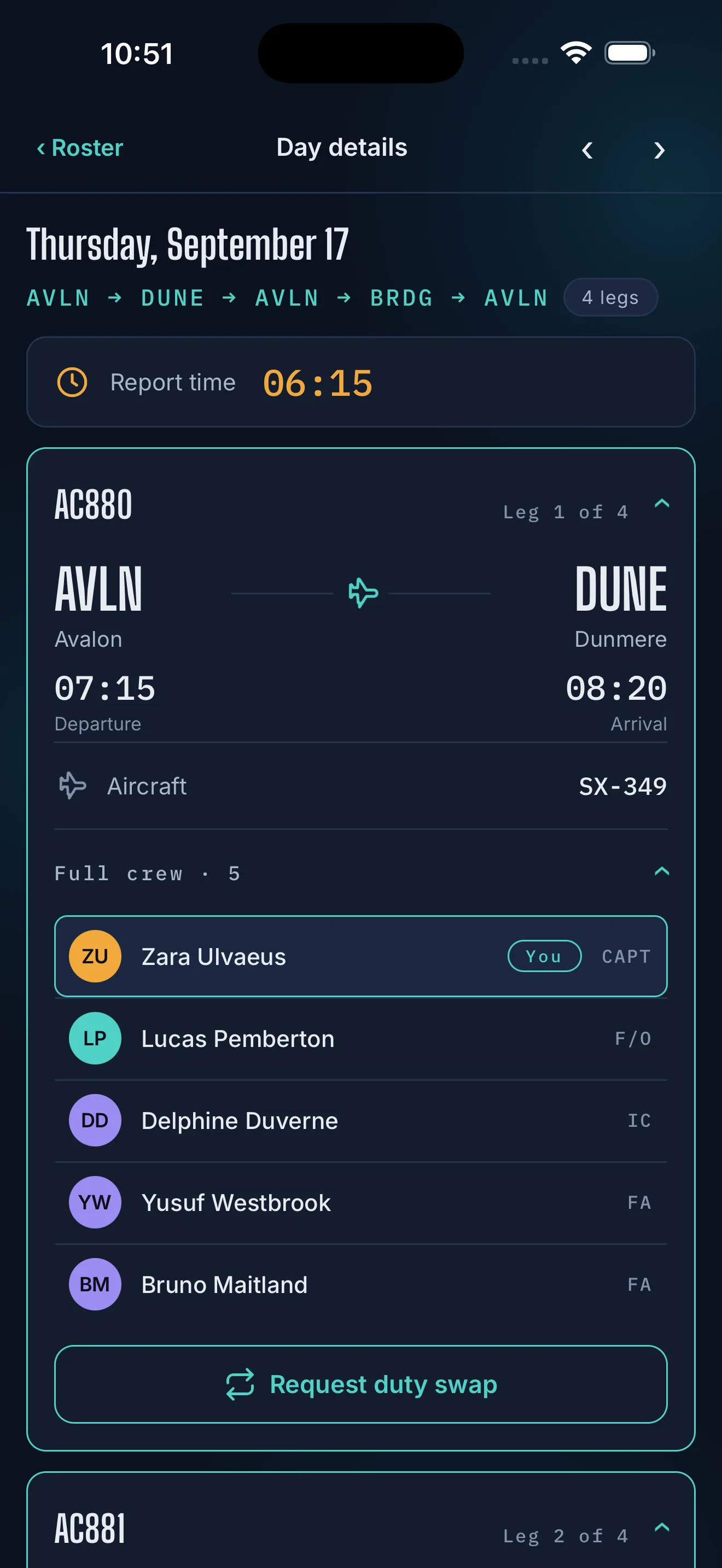 A duty day: the report time, each leg, and the full crew.Full size
A change is one notice, not nine.
A morning of roster edits reaches the crew member as one summary of their final day, to review and acknowledge, and the scheduling desk sees who has. Sign-in reminders arrive the same way, with the duty in them.
- Roster changes settled into one summary of the day
- Acknowledged in the app, seen on the scheduling desk
- Duty sign-in straight from the reminder
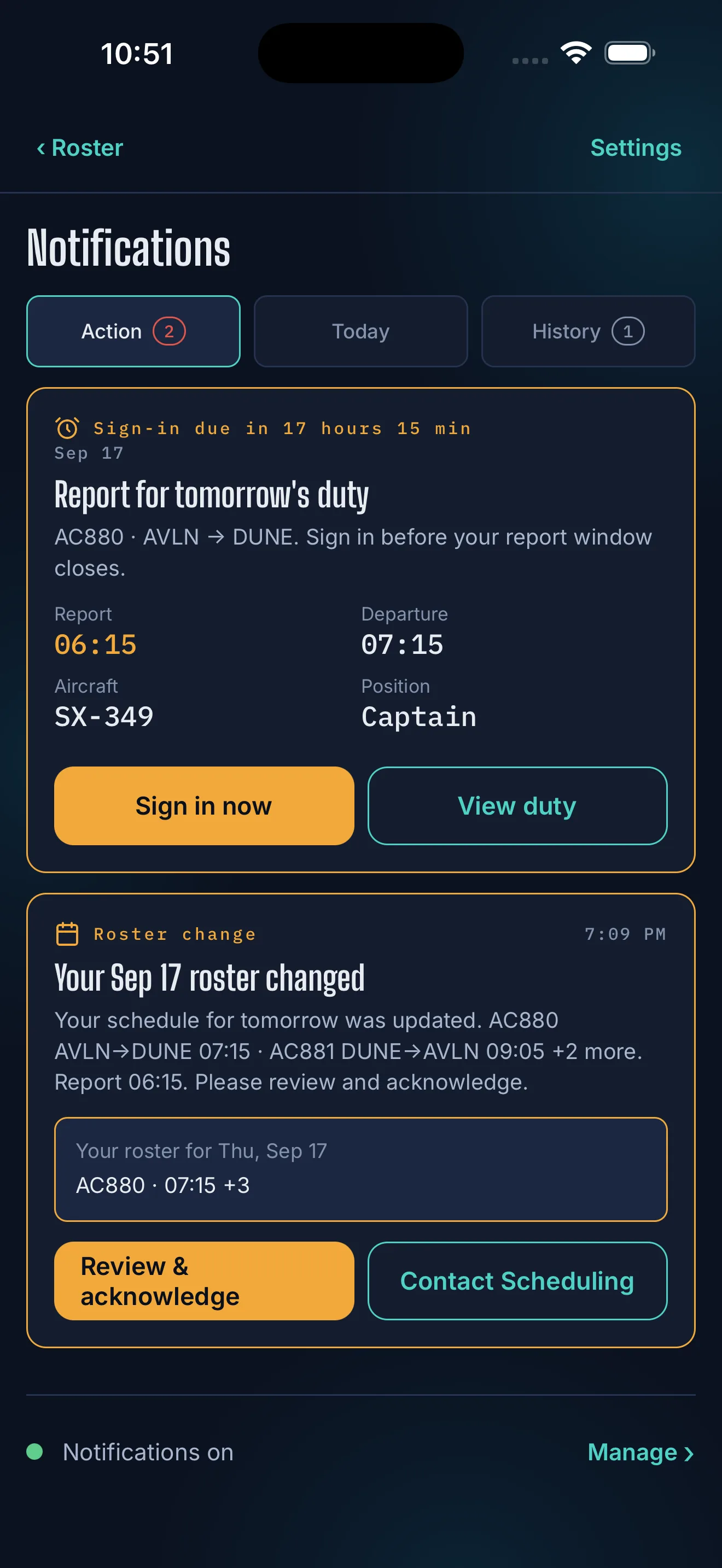 Notices: tomorrow’s sign-in, and a roster change to acknowledge.Full size
Their own account, in their language.
Crew activate their own account with their employee number and email, matched against the roster, then sign in with their own password. The app speaks English and Spanish.
- Activated by the crew member, never shared
- Two-step verification for anyone who wants it
- English or Spanish, chosen on the phone
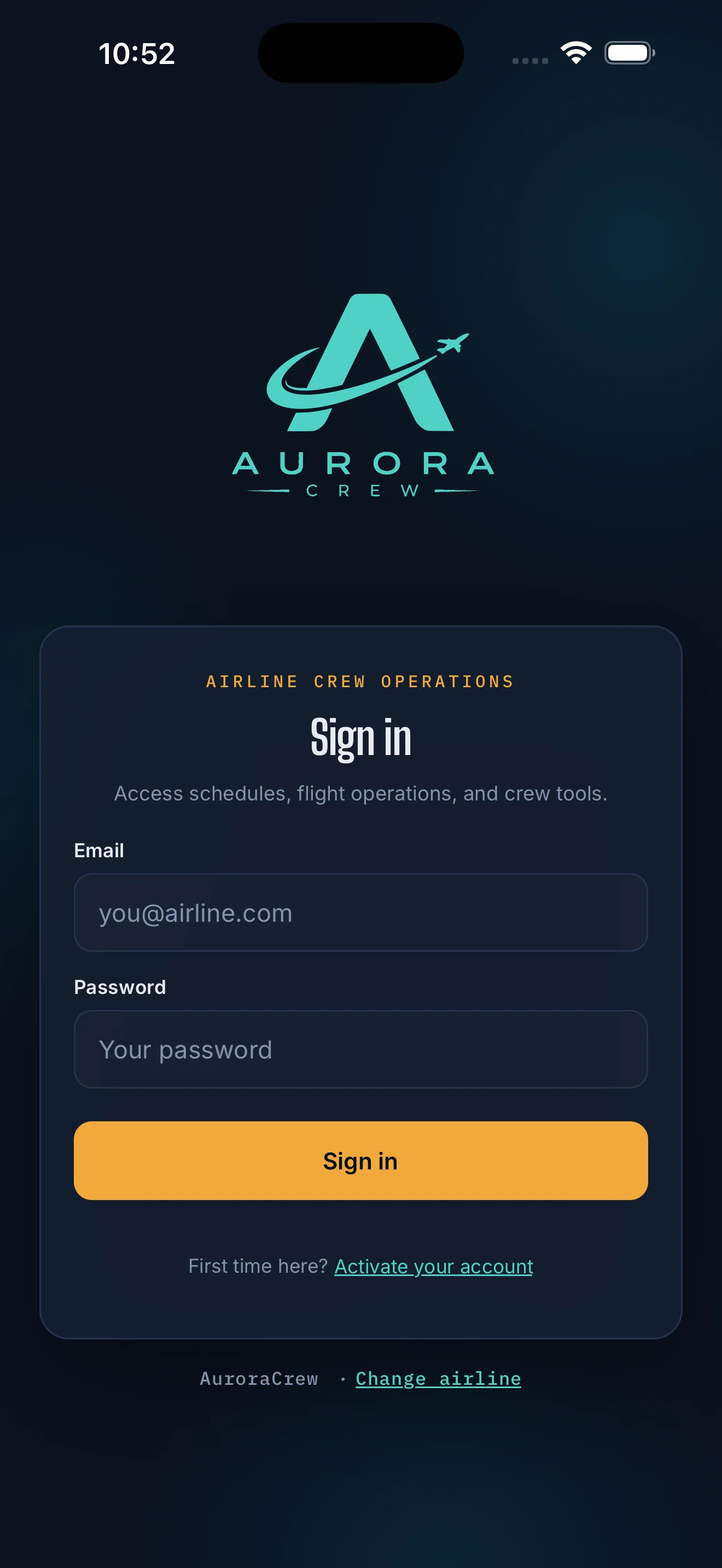 Sign-in: their own account, activated against the roster.Full size

See it with your own routes.
Tell us about your airline and we set up a walkthrough with your own network, fleet and crew rules.
Write to us
sales@auroracrew.appSay which airline you are with, your fleet and your bases, and what you would like to see. A person reads every message.
Or write to us on WhatsApp: +58 422 010 9110